Patient Portal
Online Patient Portal 
To make our practice even more accessible, you can use our online patient portal.
Through the portal, you can request repeat prescriptions, book appointments, and submit e-consultations (ask questions online) 24 hours a day, quickly and securely. Follow the steps below to register.
To link your medical records to your Uw Zorg Online account, identification is required. If you have DigiD, you can verify your identity directly during registration. If you do not yet have DigiD, you can apply for one on the website van DigiD. If you prefer to register without DigiD, you can create an account in Uw Zorg Online and then verify your identity in person at the practice.
Using the Patient Portal of Uw Zorg Online:
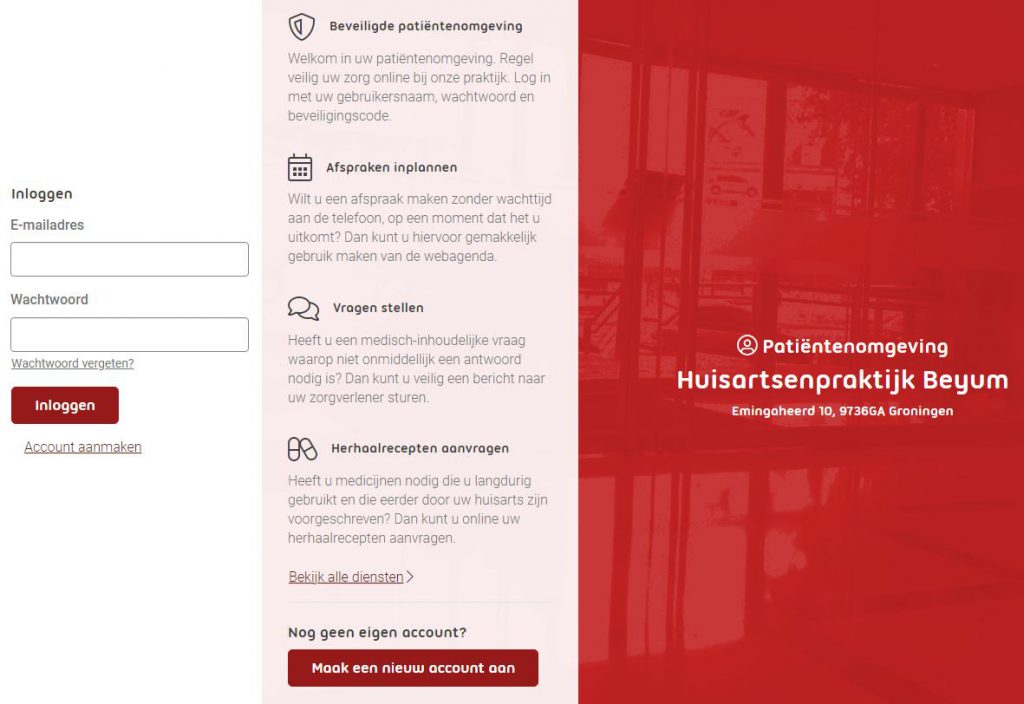
- Go to Patiëntenportaal huisartsenpraktijk Beijum
- Register your account using a unique email address and follow the instructions.
- Click on ‘Add Care Provider’, search for our practice, and add us.
- Activate your account by logging in with DigiD or by verifying your identity in person at the practice.
- Each time you log in, a session code will be sent to your email.
Using the Uw Zorg Online App:
- Download the Uw Zorg Online app from the App Store (iOS) or Google Play (Android) and follow the on-screen instructions.
- Open the app, select your language, agree to the terms, and create a 5-digit passcode.
- Create a Uw Zorg Online account.
- Click on ‘Add Care Provider’, search for our practice, and add us.
- Log in with DigiD to link your account to Huisartsenpraktijk Beijum and access online services.
You must use a personal email address to create an account. Multiple accounts cannot be created with the same email address to protect your privacy.